Cloud Edit Branding
When you give a customer a branded Tools package, that package will include a branded Cloudedit, which will be installed when the Tools are installed. If, however, a customer who does not have the Tools installed double clicks on a file of a type supported by Cloud Edit from the Web File Manager, they will have the opportunity to download and install Cloud Edit. The same will happen if Cloud Edit is slow to start and so doesn't appear to be installed.
The locations (Windows and Mac) from which Cloud Edit will be downloaded are set in your Access Anywhere’s configuration, and by default refer to SME-branded Cloud Edits. If a customer downloads Cloud Edit from one of these locations then they will have an SME-branded Cloud Edit.
You can change this by:
- Making copies of the branded Cloud Edits from machines (one Windows and one Mac) where they are installed.
- The Windows default location is: C:\Program Files (x86)\SME\Cloud Tools.
- The Mac default location is: /Users/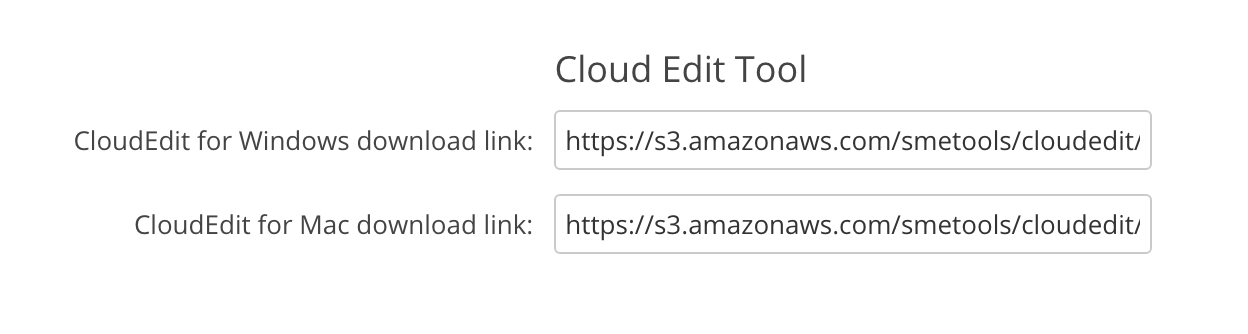 - As an alternative you can replace the URLs directly in Access Anywhere's config.inc.php file.
If you take these steps then a user who downloads CloudEdit will get your branded program.
- As an alternative you can replace the URLs directly in Access Anywhere's config.inc.php file.
If you take these steps then a user who downloads CloudEdit will get your branded program.